Build apps and websites. Create the visuals in the same workflow.
Generate images with ChatGPT and videos with Google Flow, right from Claude Code or another compatible MCP client.
Knotflow connects your coding agent to the accounts you’re already signed into in Chrome. Create landing-page visuals, in-app illustrations, and video assets without moving your brief between tabs.
Chrome extension + MCP server. No media-provider API keys required. Provider usage limits and Flow credit costs apply.
Made with Knotflow for this page. Requested from Claude Code: “a hero illustration for the Knotflow landing page… transparent background.” ChatGPT, PNG with transparency.
From a missing asset to a file in your project.
Your layout has a place for an image. Describe what belongs there, let your agent request it through Knotflow, and review the saved result before adding it to your app or website.
Example request
Create a hero illustration for this website using its existing colors and visual style. Save the image locally so I can review it before adding it to the page.
Project contextImage generationLocal fileReview
For the screens you’re building. And the pages that launch them.
Give your website a visual direction.
Create hero artwork, feature illustrations, and supporting images for landing pages and marketing sites. Use your own references and project context instead of starting a separate creative brief.
Create a feature illustration that follows this site’s palette and leaves room for the headline.
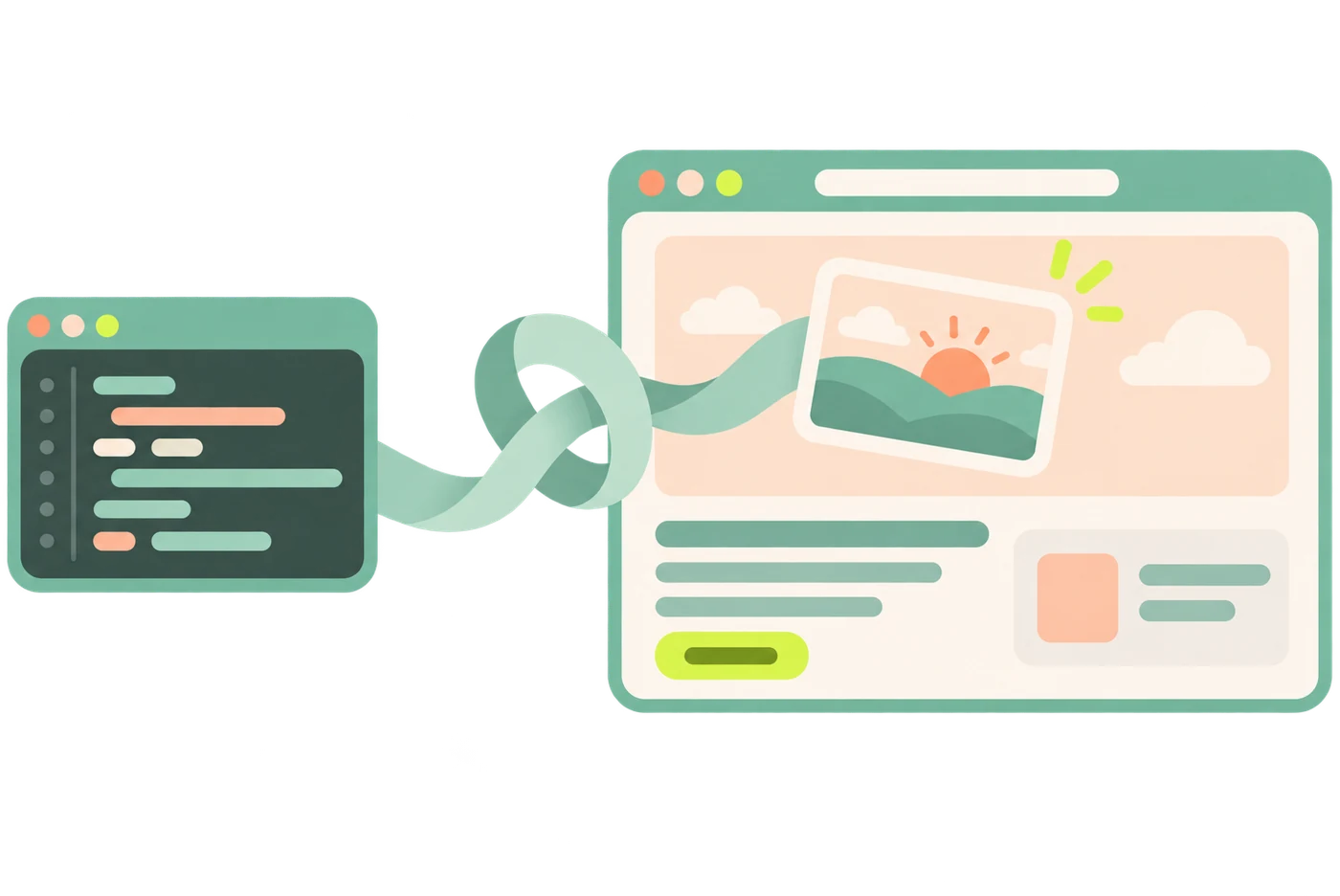
Made with Knotflow for this page. “A code-editor window whose ribbon ties into a knot and carries a sunrise picture into the website’s empty hero… no hands, transparent background.” ChatGPT.
Give your app more than placeholder images.
Generate onboarding illustrations, empty-state artwork, and mascots. Review the result in the context of the screen, then request changes from the same conversation.
Create an empty-state illustration for a dashboard with no projects yet. Keep it simple and consistent with the existing interface.
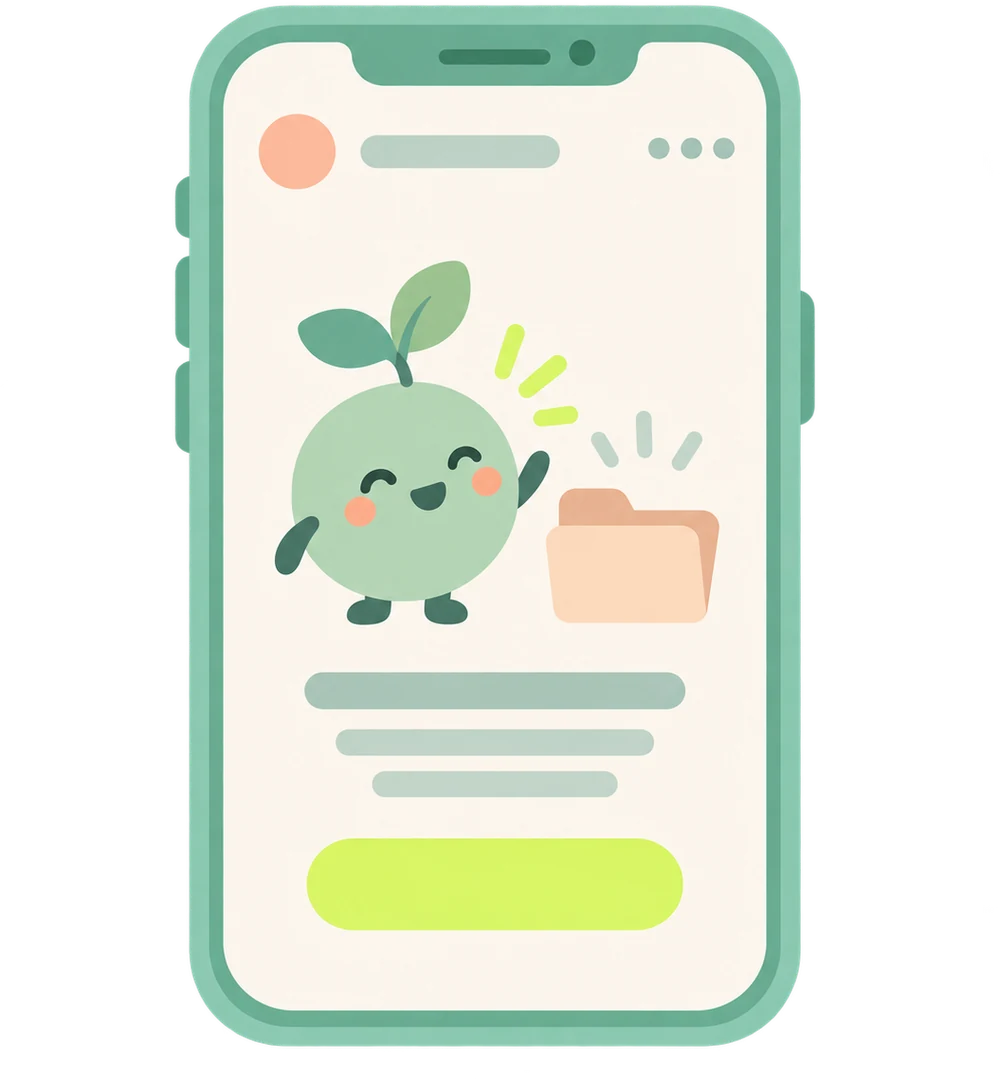
Made with Knotflow for this page. “A phone showing an app empty state: a cute sprout mascot waves hello next to an empty folder… transparent background.” ChatGPT.
Add motion to your launch.
Turn an approved image into a video using a supported image-to-video mode. Create short visual assets for landing pages, app-store creative, and launch campaigns.
Prepare an animation from this approved image. Show me the credit cost and wait for my approval before generating the video.
Made with Knotflow for this page. The same illustration, animated with Google Flow in the same frame: “the sprout mascot waves hello and bounces.” Knotflow showed the cost first (7 credits) and waited for approval.
Less transferring context. More working with the result.
Start with the context already in your code.
Your coding agent can read your project’s colors, styles, and requirements before writing the generation prompt. Knotflow connects that request to the supported media workflow.
Get files, not another handoff.
Generated assets are saved locally with reusable asset IDs. Work with the outputs using the file and review tools available in your client, then add the assets you choose to your codebase.
Keep the next iteration connected.
Edit an earlier image or reuse an asset as a reference or video frame in supported modes. Resumable workspaces let you return to the associated ChatGPT conversation and Flow project.
Connect your browser. Create from your coding agent.
Connect Chrome.
Install the Knotflow extension and keep Chrome open with the relevant ChatGPT or Google Flow account signed in.
Connect the knot-media MCP server to Claude Code or another compatible MCP client. Paste this and your agent sets it up:
Install Knotflow for me. Follow https://knotflow.app/setup.md
Ask, review, and use the output.
Request an image or a supported video job. Approve paid video generation before submission. Review the local files and decide what goes into your app or website.
Chrome must remain open, the extension connected, and the relevant provider account signed in.
Use your existing accounts. Approve paid video jobs before they run.
Knotflow works through the ChatGPT and Google Flow accounts already signed into Chrome. You don’t need media-provider API keys for these supported workflows.
Paid video jobs pause at needs_confirmation and show the credit cost. You approve the job with a max_credits limit before Knotflow submits it.
Safeguards help prevent duplicate generation and automatic retries of uncertain jobs that may already have consumed credits.
No media-provider API key does not mean unlimited generation. Your provider’s usage limits still apply, and Google Flow videos consume credits from your connected account.
Add image and video creation to your dev workflow.
Knotflow
$4.99/ month
3-day free trial. Card required; cancel before day 3 and you pay nothing. Cancel anytime after that.
The Chrome extension and knot-media MCP tools for supported image and video workflows, locally saved assets, reusable references, and resumable workspaces.
Provider subscriptions, usage limits, and Flow credits remain tied to your connected accounts.
A few things to know before you connect.
Is Knotflow only for Claude Code?
No. Knotflow exposes its media workflows through MCP and can be connected to other compatible MCP clients, such as Codex. Project-file access and media-review capabilities depend on your client and local tools.
Do I need to keep Chrome open?
Yes. Knotflow relies on Chrome, the connected extension, and your signed-in provider sessions. It isn’t a browserless generation service.
Does every model support every workflow?
No. Support depends on the model, mode, and connected account. Some workflows have been validated; others are implemented but still await end-to-end testing. Your agent can check knot_capabilities before choosing a workflow.
Can it generate images in Google Flow?
No. Flow only accepts image generation with a human click, and Knotflow never asks you to click for it. Images are made with ChatGPT; Google Flow is used for video.
Can I request an exact image size?
For ChatGPT images, state the aspect ratio you want in the request. There is no dedicated size selector, and exact output dimensions aren’t guaranteed. Check and adjust the file for your layout before using it.
Does Knotflow use official ChatGPT and Google Flow APIs?
No. It automates the web interfaces in your own browser. Changes to those interfaces can interrupt workflows. Review the relevant provider terms before using browser automation.
How do I cancel?
In the Knotflow window in Chrome, choose “Manage plan”. You keep access until the end of the period you paid for. See cancellation and refunds.
Your next screen needs more than code.
Create the images and videos for it in the same conversation where you’re building the product.